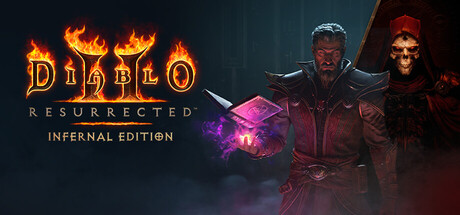
《暗黑破坏神2 重制版 - 终极包 Diablo II Resurrected Infernal Edition》v3.0.91923-P2P-国配+台配中文语音|官中免安装-简中39GB
全部评测:特别好评 (3,646)
发行日期:2026 年 2 月 11 日
关于此游戏
动作角色扮演游戏标杆,再登巅峰
《暗黑破坏神2》重制版 - 终极包内含广受好评的《暗黑破坏神2》重制版及其扩展内容“毁灭之王®”,并加入了全新的“术士君临”扩展内容。
穿越受地狱蹂躏的庇护之地。我们在完美保留原作神韵的基础上,通过现代3D视觉效果、重制音效及全新过场动画,让经典焕发新生。
随附的“术士君临”扩展内容为《暗黑破坏神2》重制版带来了全新职业“术士”、全面重塑的终局玩法、崭新的核心机制,以及符合现代玩家习惯的品质提升更新。
八大职业,八人联机,无限重玩价值
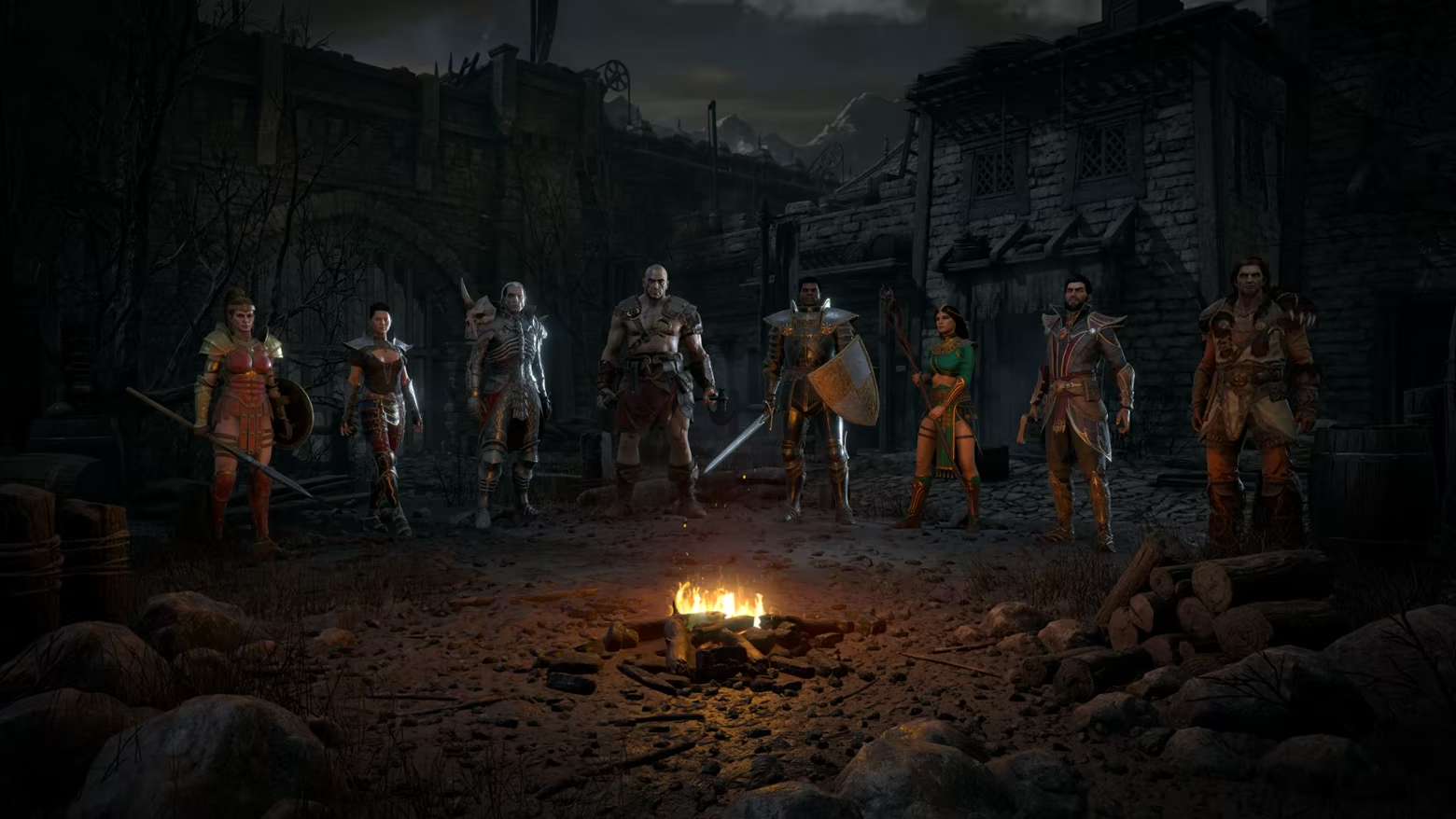
亲历被天堂与地狱力量的永恒冲突蹂躏的世界。获取强力物品,精通八大职业,掌握超过200个震撼人心的技能,并通过在战网上8人合作游戏,踏平烈焰地狱的爪牙。称霸天梯榜,随后在赛季天梯重置后迎接新的开始,届时将引入新的挑战。
全新职业 - 术士
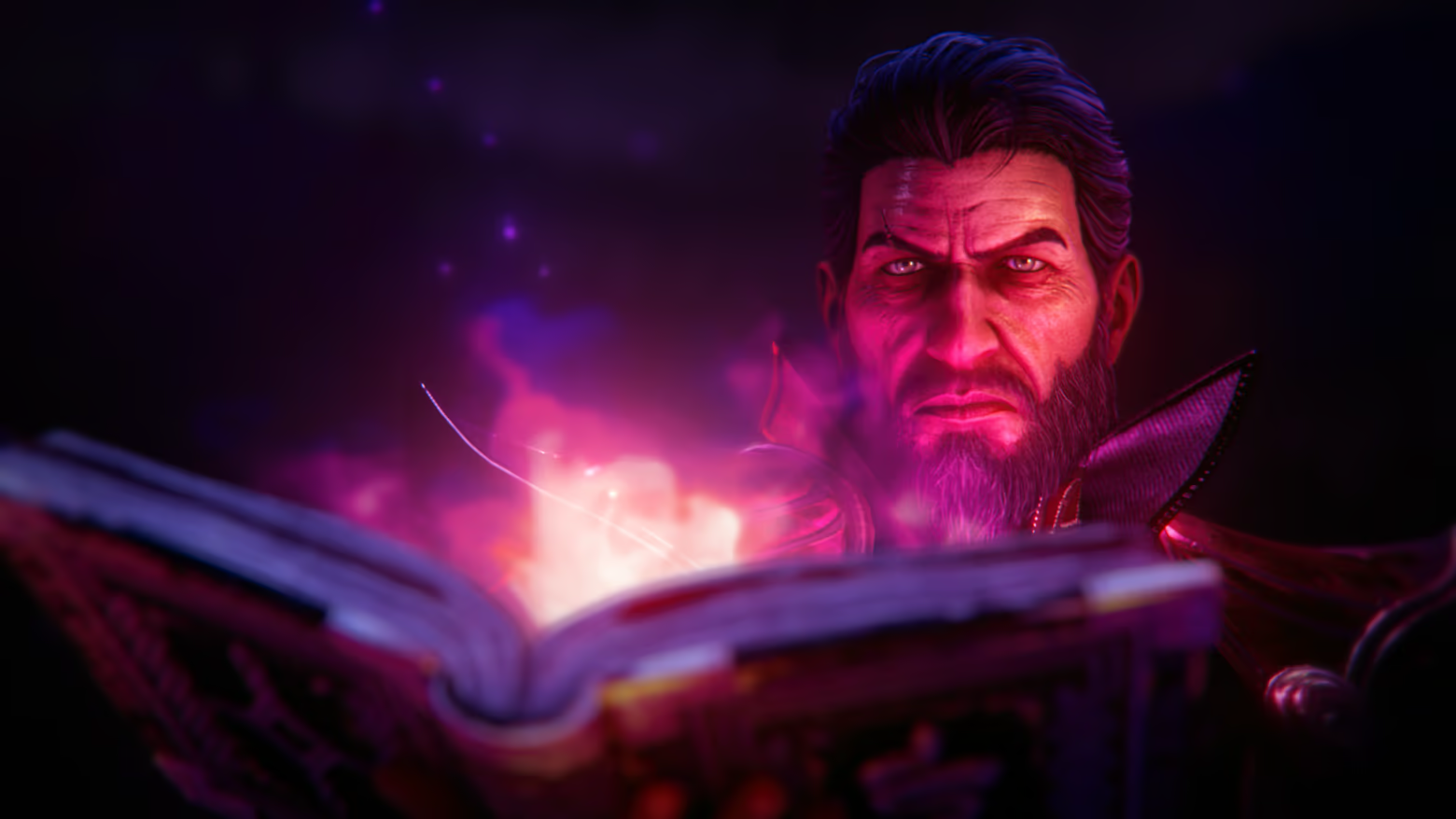
术士正式降临《暗黑破坏神2》重制版,这位掌控阴影的大师擅长将烈焰地狱的力量反制其自身。
通过三条独特的专精路径掌控禁忌之力:
• “恶魔”专注于奴役地狱爪牙,并将其转化为忠心耿耿的强大盟友,听候你的差遣。
• “邪术”将灼热的心灵魔力注入寻常兵刃,使其成为释放毁灭性威力的魔法媒介。
• “混沌”释放地狱最原始的烈焰与暗影元素,从远距离降下大范围的毁灭打击。
全新挑战,全新流派
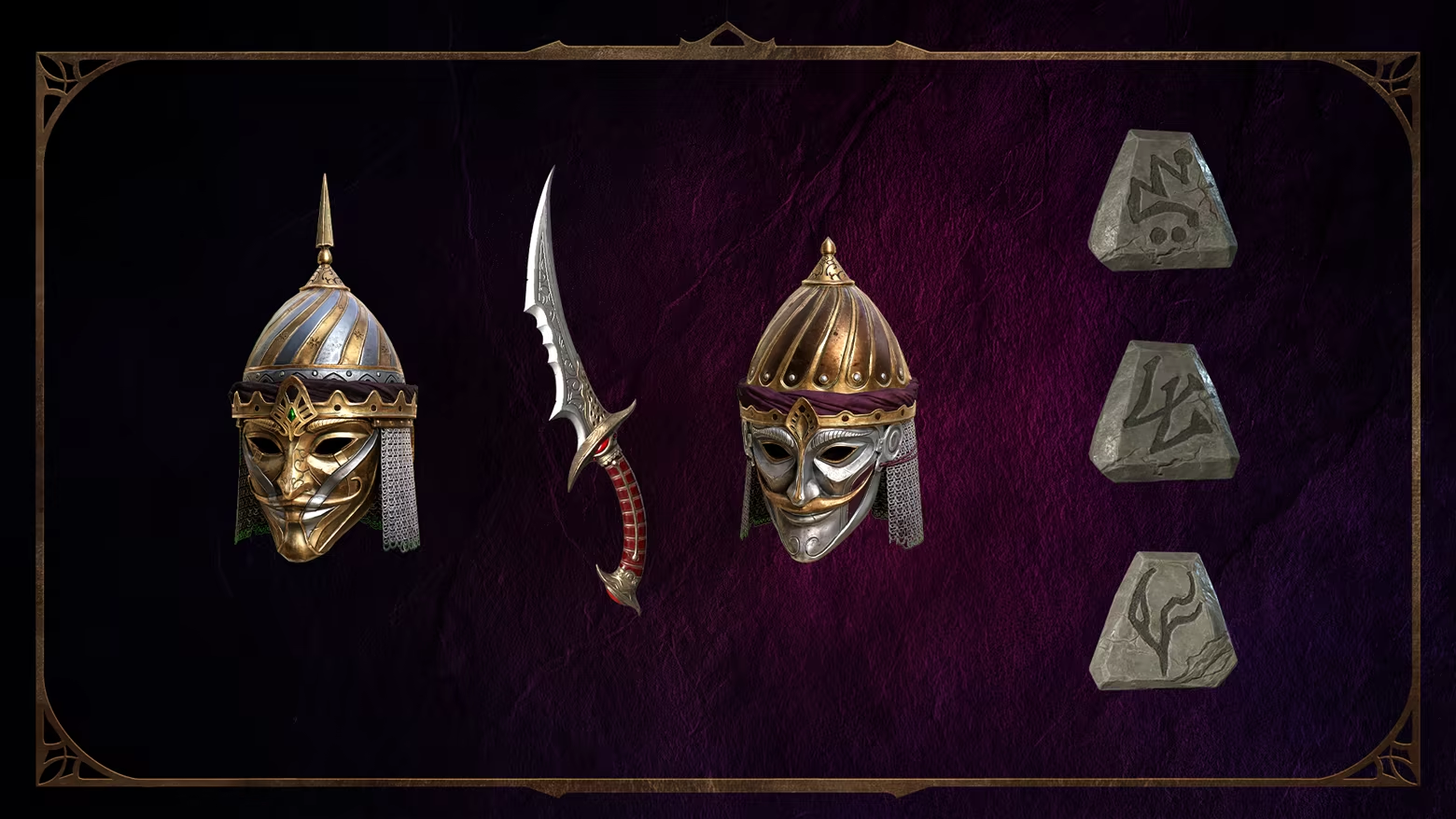
收集全新的暗金物品、套装与符文之语,为经典职业开发更强力的进阶构筑。
迎接全面进化的终局挑战:恐惧区域更新、巨型先祖对决、经过调整的敌人难度动态缩放,以及更加侧重策略运用与职业理解的新机制。
通过全新的“编年史”系统实时追踪成就,该系统将记录你全账号收集的所有宝物,并为完美主义者准备了丰厚的专属回馈。
精益求精,传承经典
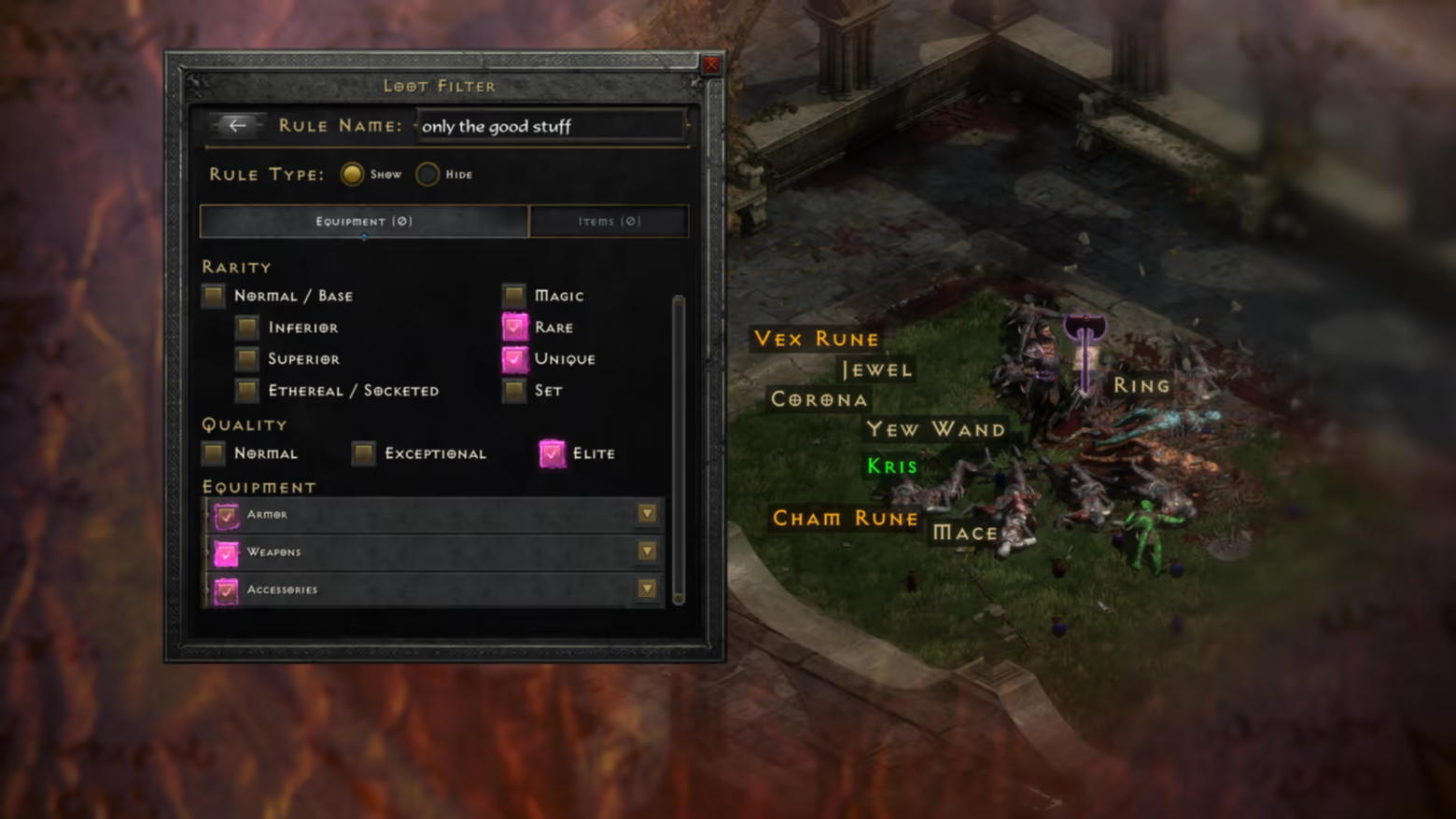
《暗黑破坏神2》重制版 - 终极包在不牺牲《暗黑破坏神2》标志性操作体感的前提下,引入了多项强力的优化提升更新。新加入的可自定义“战利品过滤器”将大幅减少屏幕干扰,助你精准定位核心装备。升级后的储藏箱页让多角色间的物资管理变得得心应手,新增的宝石、材料和符文专属栏位,让快速分类触手可及。
怀念过去?你随时可以在不同时代间自由切换,以记忆中最熟悉的方式体验《暗黑破坏神2》。
跨游戏奖励
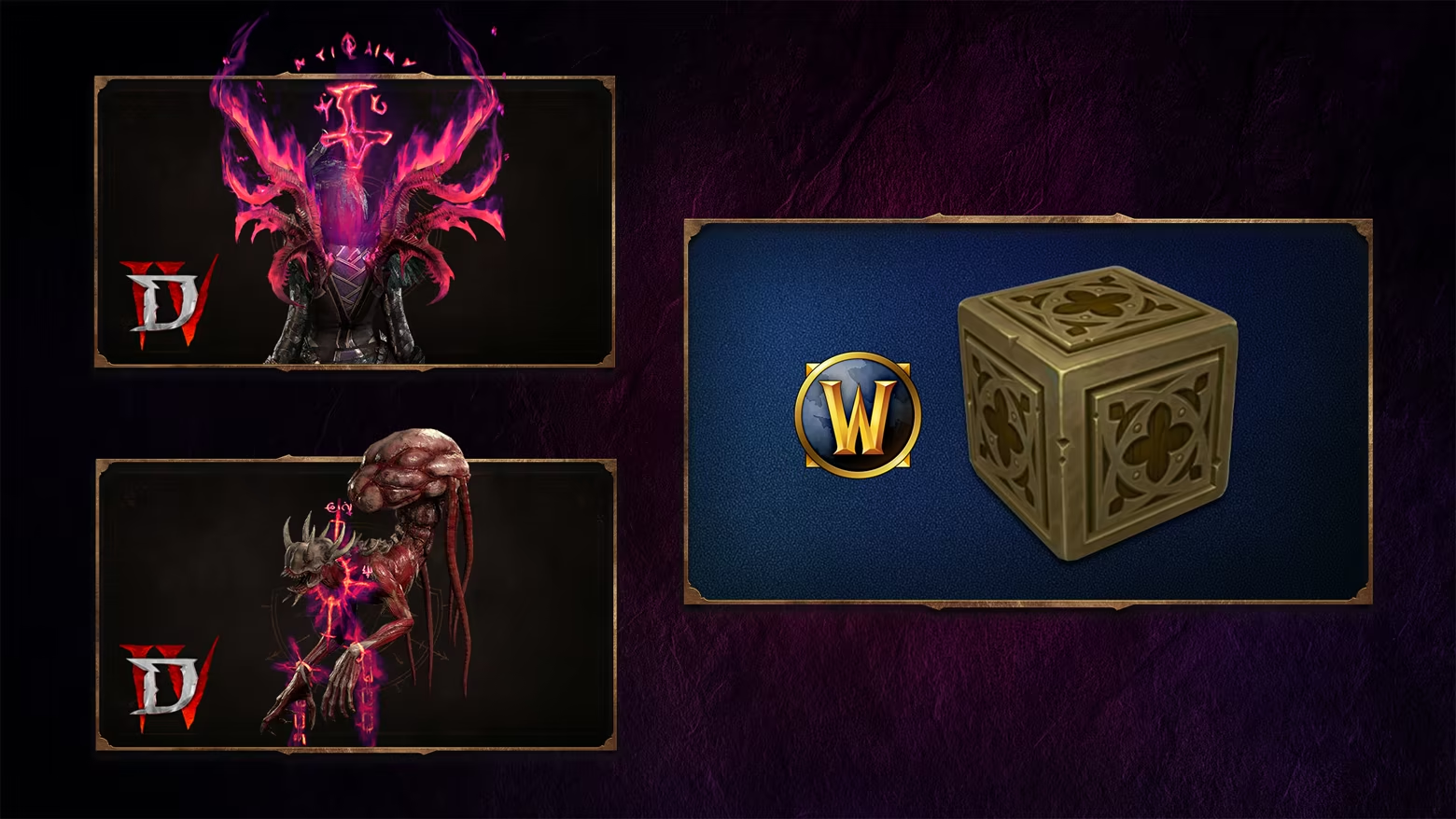
见证你在庇护之地及其他世界的辉煌足迹。立即在《暗黑破坏神 IV》中解锁宠物“腐败者凯尔维克”及背部战利品“禁忌系索”,为你的流浪者注入禁忌的力量美感。你还可以在《魔兽世界》中获得住宅装饰物品“赫拉迪姆魔盒”,让这件永恒的神器在艾泽拉斯的家中熠熠生辉。
系统需求
- 操作系统: Windows® 10
- 处理器: Intel® Core i3-3250/AMD FX-4350
- 内存: 8 GB RAM
- 显卡: Nvidia GTX 660/AMD Radeon HD 7850
- 存储空间: 需要 43 GB 可用空间
- 声卡: 基本音频设备
- 操作系统: Windows® 10
- 处理器: Intel® Core i3-3250/AMD FX-4350
- 内存: 8 GB RAM
- 显卡: Nvidia GTX 660/AMD Radeon HD 7850
- 存储空间: 需要 43 GB 可用空间
- 声卡: 基本音频设备
支持作者
Steam商城:https://store.steampowered.com/app/2536520/《暗黑破坏神2》重制版_- 终极包/
设置中文
界面语言修改bnet_emu.ini文件里的Locale=english,改为Locale=schinese
语音语言
LocaleAudio=schinese为国配中文语音
LocaleAudio=tchinese为台配中文语音
LocaleAudio=english为原汁原味英文配音
学习
